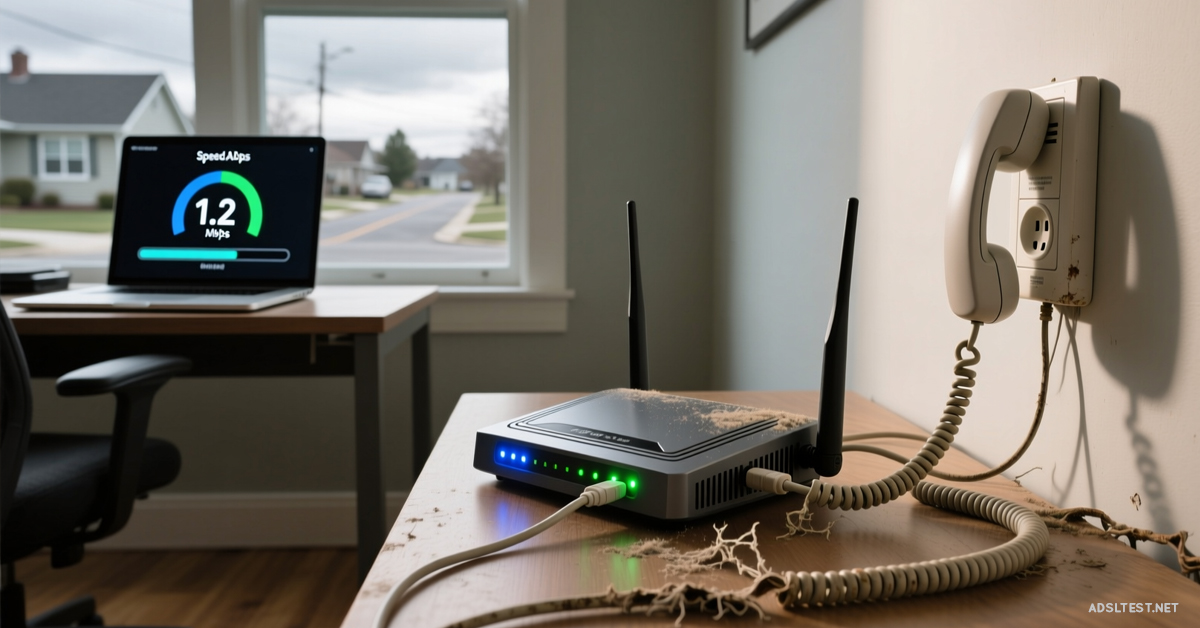
Stuck on a sluggish ADSL line with no fiber in sight? You can’t change the copper wire to your house, but you can absolutely optimize every inch of it. These tweaks can squeeze out every last bit of speed your old line is hiding.
1. The Diagnostic: Is It Your Wiring or Their Network?
First, rule out a line fault. This is the most critical, free step.
Run a “Line Attenuation” & “SNR Margin” Test: Log into your ADSL modem’s interface (usually 192.168.1.1). Look for Line Statistics. You want:
Line Attenuation:Under 50dB (lower is better). Above 60dB means your signal is weak over the distance.
SNR Margin (Signal-to-Noise):Above 10dB (higher is better). Below 6dB means noise is drowning your signal, causing drops.
What to Do: If Attenuation is high or SNR is low, call your ISP immediately. You likely have a faulty line, a bad joint, or water in the cable. They must fix this at the network level.
2. Optimize Your Home’s Internal Wiring (The Silent Killer)
ADSL is sensitive to every connection point. Bad internal wiring destroys speed.
Install an ADSL Faceplate/I-Plate (The #1 Fix): Your phone socket likely has a “ring wire” that creates interference. A cheap ADSL faceplate (like an MK4 NTE5 faceplate) filters this out. This single, $15 DIY upgrade can boost sync speed by 10-20% and stabilize your connection. It’s the first thing any engineer would do.
Use the “Test Socket”: Unscrew your main phone socket’s faceplate. Behind it, you’ll find a single test socket. Plug your modem directly in here, bypassing all internal extension wiring. If speed improves dramatically, your home’s extensions are the problem. Keep it plugged in here permanently.
3. Tweak Your Modem’s Hidden Settings
Your modem’s default mode might be fighting your long line.
Disable “Fast Path” for Stability: In your modem settings, look for “Connection Type” or “Path.” Switch from Fast Path to Interleaved. This adds a tiny bit of latency but dramatically increases stability on long, noisy lines, reducing drop-outs.
Enable “SRA” & “Bitswap”: Find and enable these two advanced options. Seamless Rate Adaptation (SRA) and Bitswap allow your modem to dynamically adapt to line noise in real time, maintaining the best possible speed.
4. Reduce Electrical Interference (The Invisible Throttle)
Copper lines act as antennas for electrical noise.
Distance Your Modem: Move your ADSL modem/router at least 1 meter away from power strips, LED lights, PC monitors, and phone chargers.
Check Your Filters: Every device (phone, fax, alarm) plugged into a phone socket must use a microfilter. One bad filter can cripple the whole line. Try replacing all filters with new, high-quality ones.
5. The Nuclear Option: A “Managed” ADSL Router
If you’ve done everything and speeds are still poor, your modem’s chipset might be struggling.
Invest in a “Line Managed” Router: Brands like DrayTek and TP-Link offer routers with superior Annex M/L support and better chipsets that can maintain a stronger, more stable sync on long lines than the free ISP modem. It’s a specialized tool for a specialized problem.
What NOT to Waste Time On
“Speed Booster” Software: These are scams. They don’t increase your line’s physical capacity.
Constantly Rebooting: Once a week is fine. Doing it daily points to a line fault.
Paying for a “Faster” ADSL Tier: If you’re 3km from the exchange, paying for “up to 24 Mbps” over “up to 17 Mbps” won’t change your actual sync speed. The distance is the limit.
The Final Connection: Improving ADSL is a battle against physics and interference. Your action plan is: 1) Test your line stats, 2) Call ISP if they’re bad, 3) Install an I-Plate, 4) Plug into the test socket, 5) Enable Interleaved mode. This methodical approach can transform a barely usable line into a stable, maximized connection, buying you time until fiber finally arrives.
2026 Global Internet Speed Ranking: Top 10 Countries with the fastest internet speed
Fastest Internet in Europe: 2026 Country Rankings
Cities with the Fastest Internet in the World (2026 Data)
Global Mobile Internet Speed Ranking for 2026 : Top 10 countries