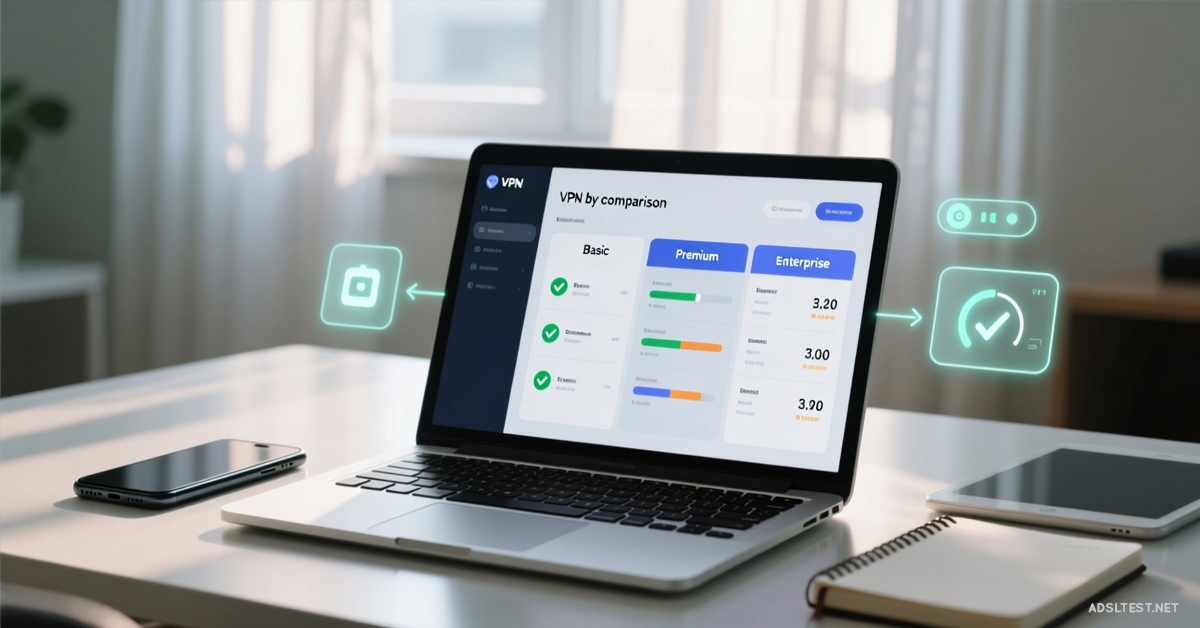
Choosing a VPN isn’t just about price—it’s about matching features to your real-life habits. Picking wrong means slow speeds, blocked services, and wasted money. Use this guide to find the plan that disappears into the background while protecting you.
Step 1: Diagnose Your Primary VPN Use Case
Your main goal dictates the most important feature. Be honest.
For Streaming & Geo-Unblocking: You need a VPN with a proven track record of evading Netflix, Hulu, and BBC iPlayer blocks. Look for providers that advertise “Smart DNS” or dedicated streaming servers.
For Privacy & Security: Your non-negotiables are a strict independent-audited no-logs policy and a kill switch that blocks all traffic if the VPN drops. Jurisdiction matters—avoid “Five Eyes” alliance countries.
For Torrenting & P2P: You must ensure the provider explicitly allows P2P traffic on specific servers. A kill switch is mandatory to prevent IP leaks during downloads.
For Beating Censorship & Travel: You need obfuscated servers (Stealth/ Camouflage mode) to hide VPN traffic in restrictive countries like China or Iran, and a large, global server network.
Step 2: Scrutinize the “Fine Print” Features
These are the make-or-break details that separate marketing from reality.
The Server Network: More isn’t always better. Look for server locations in the specific countries you need. A provider with 3,000 servers in 50 countries is often better than one with 10,000 servers in 20 countries.
Connection Limits: How many simultaneous device connections are allowed? 5-7 is standard. If you have a phone, laptop, tablet, and smart TV, you’ll need at least 5. Unlimited is a bonus for large families.
Speed & Bandwidth: All premium VPNs claim “unlimited bandwidth.” The real test is server proximity and load. Choose a provider with servers near your physical location for the least speed loss. Look for WireGuard protocol support—it’s the fastest.
Step 3: Understand the Protocols (The Speed vs. Security Trade-Off)
The protocol is how your data is tunneled. It defines your speed and security level.
Choose WireGuard for:Maximum speed, modern encryption, and quick reconnections. Best for streaming, gaming, and general use.
Choose OpenVPN for:Maximum security and configurability, trusted by experts. Slightly slower but the gold standard for privacy.
Avoid PPTP & L2TP: These are outdated and insecure.
Step 4: Test Before You Commit (Use the Money-Back Guarantee)
Never trust marketing speed claims. Every VPN slows you down—the question is how much.
Run a baseline speed test without the VPN.
Sign up for your shortlisted VPN (using their 30-45 day money-back guarantee).
Connect to a server in a common location you’d use (e.g., nearest country).
Run the same speed test. A 10-20% speed loss is excellent. Over 50% is a dealbreaker for streaming or gaming.
Step 5: Decide on Subscription Length & Cost
VPNs use aggressive discounts to lock you into long terms.
Monthly Plan:Most expensive, but offers flexibility. Use this to test a service seriously.
Yearly/2-Year Plan:Drastic discount (often 70%+ off monthly). Only choose this after testing the service with a monthly plan or rock-solid money-back guarantee. The low “per-month” cost is tempting but a trap if the service is slow for you.
Red Flags to Avoid
“Free” VPNs: They make money by selling your data, injecting ads, or severely limiting bandwidth. Avoid.
Vague Logging Policies: If the privacy policy isn’t clear and hasn’t been audited, assume they keep logs.
No Kill Switch: A dealbreaker for privacy and torrenting.
Poor Customer Support: Live chat is essential for troubleshooting connection issues.
The Final Choice: List your top 3 needs (e.g., 1. Netflix US, 2. Speed, 3. 5 Devices). Find the VPN that excels in those areas, take it for a paid test drive, and measure the real-world performance. Your perfect VPN isn’t the cheapest or the one with the most servers—it’s the one you forget is even running.
2026 Global Internet Speed Ranking: Top 10 Countries with the fastest internet speed
Fastest Internet in Europe: 2026 Country Rankings
Cities with the Fastest Internet in the World (2026 Data)
Global Mobile Internet Speed Ranking for 2026 : Top 10 countries